Guide: How to Make a Photo Book from Your Phone
Short answer: choose the photos that tell one story, upload them from your phone's camera roll, then review the photo book BellaFoto has already designed from them. Change anything you like, approve it, and only then order it as a softcover or hardcover book.
Step by step
Step 1
Choose your photos
Pick a trip, a season, a celebration or a year with someone you love. Favourites from one story make a book that reads well from start to finish.
Step 2
Upload them from your phone
Open BellaFoto on your phone and choose photos straight from your camera roll. On a computer, your Photo Library shows a QR code: scan it with your phone's camera, tap the link (no sign-in needed on the phone) and the photos you pick arrive in your library. You can start without creating an account.
Step 3
Discover your already-designed books
BellaFoto sorts your photos into memories and auto-creates a finished photo book for each one, so you start from a complete design instead of a blank page.
Step 4
Review and make it yours
Page through the book. Swap or remove photos, add photos from your Photo Library, adjust crops and edit the words on the pages.
Step 5
Approve, then order
Nothing is printed until you approve the finished design. Then choose a softcover or hardcover book and check out. Shipping and any tax are shown at checkout.
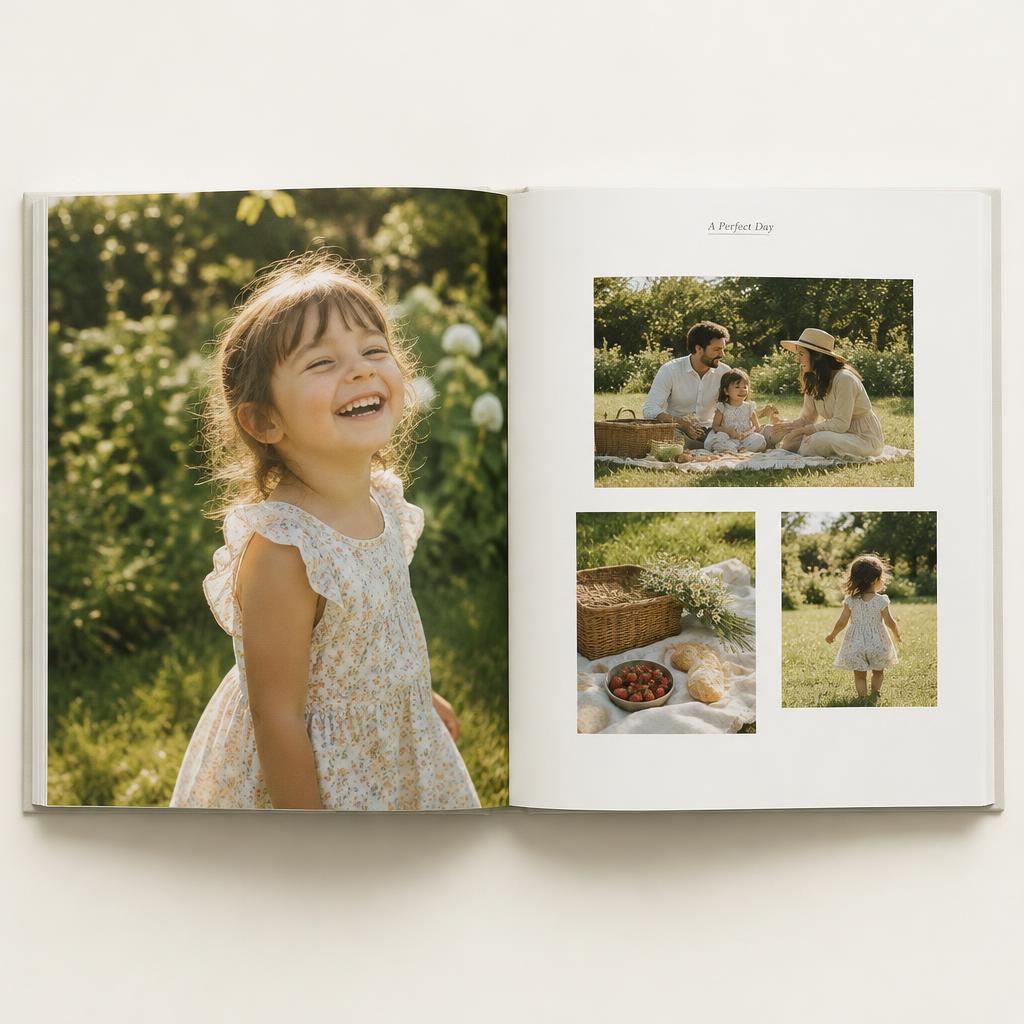
Tips for choosing photos and crops
- Choose photos that tell one story. A clear beginning, middle and end gives the book a natural flow.
- Mix close-ups of faces with wider scene-setting shots and small details.
- Skip near-duplicates. When you have a burst of similar shots, keep the best one or two.
- Use your sharpest, best-lit photos. Blurry or very dark photos look the same way in print.
- Check the crops before you approve. Make sure no one's head or face is cut off at the edge of a photo.
- Choose a cover photo you love. It's the first thing anyone sees.
Softcover or hardcover?
Both books use the same wide A4 landscape pages and the same design. A softcover is lighter and lower-priced; a hardcover has a rigid cover and heavier pages for a book meant to last. See current prices on each product page.